Menu layout plays a key role in getting work done quickly and easily. To make the platform simpler, clearer, and more organized to use, we've redesigned the structure and layout of the main menu. Here's what changed.
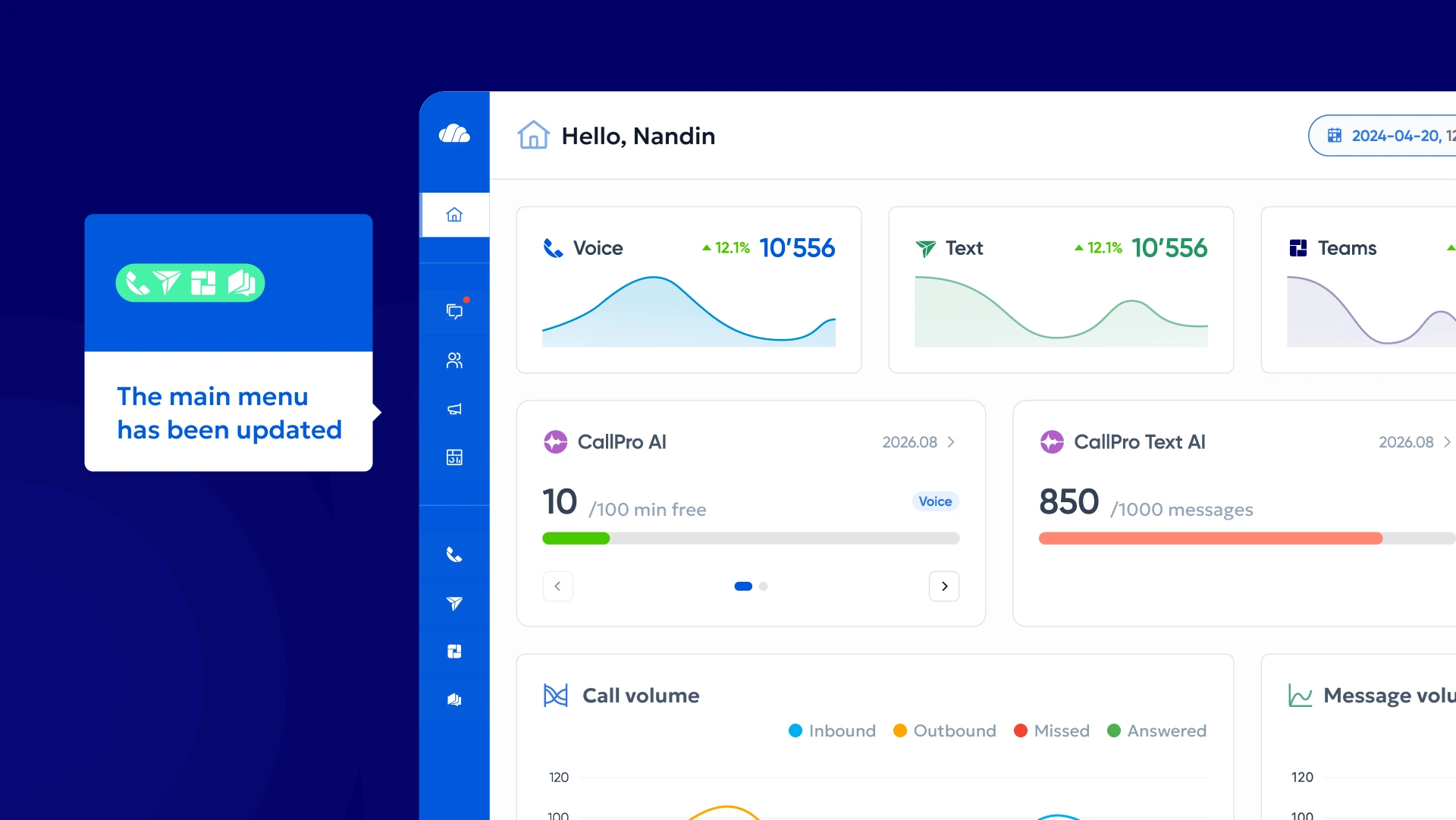
How has the MAIN MENU changed?
The main menu, the first thing you see every time you use CallPro Platform, plays an important role in shaping how users understand and picture the product.
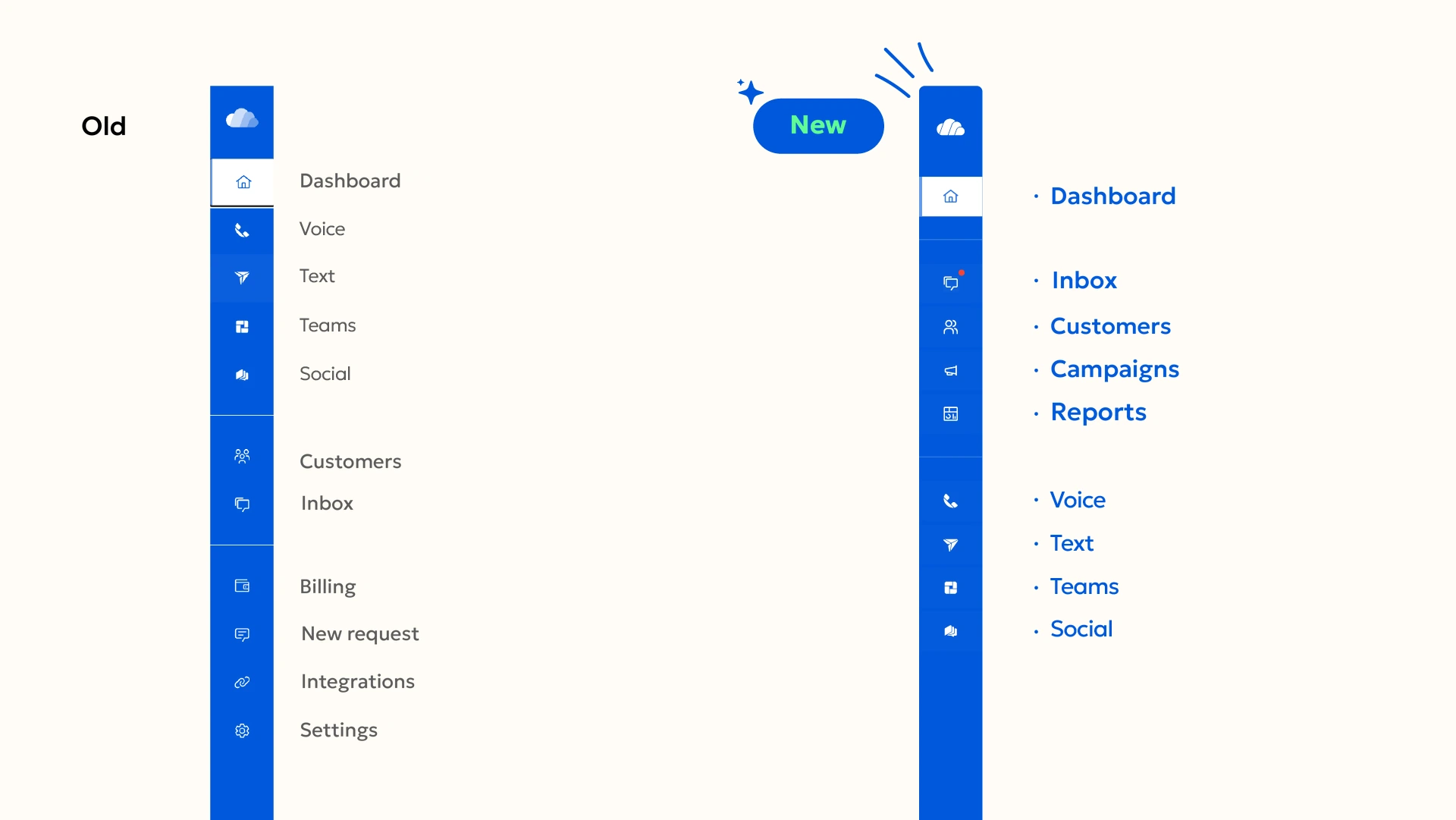
The first menu group contains the most frequently used menus and settings, while the second group shows the Core Services menus. The Inbox and Customers menus remain as you know them: replying to the unified chat and storing your customer database. The Orders and Reports menus, however, have been redesigned. Scroll down to read more about the new menus.
This puts the menus you use every day closer at hand, so you can get to the information and actions you need faster.
INBOX is now the first menu
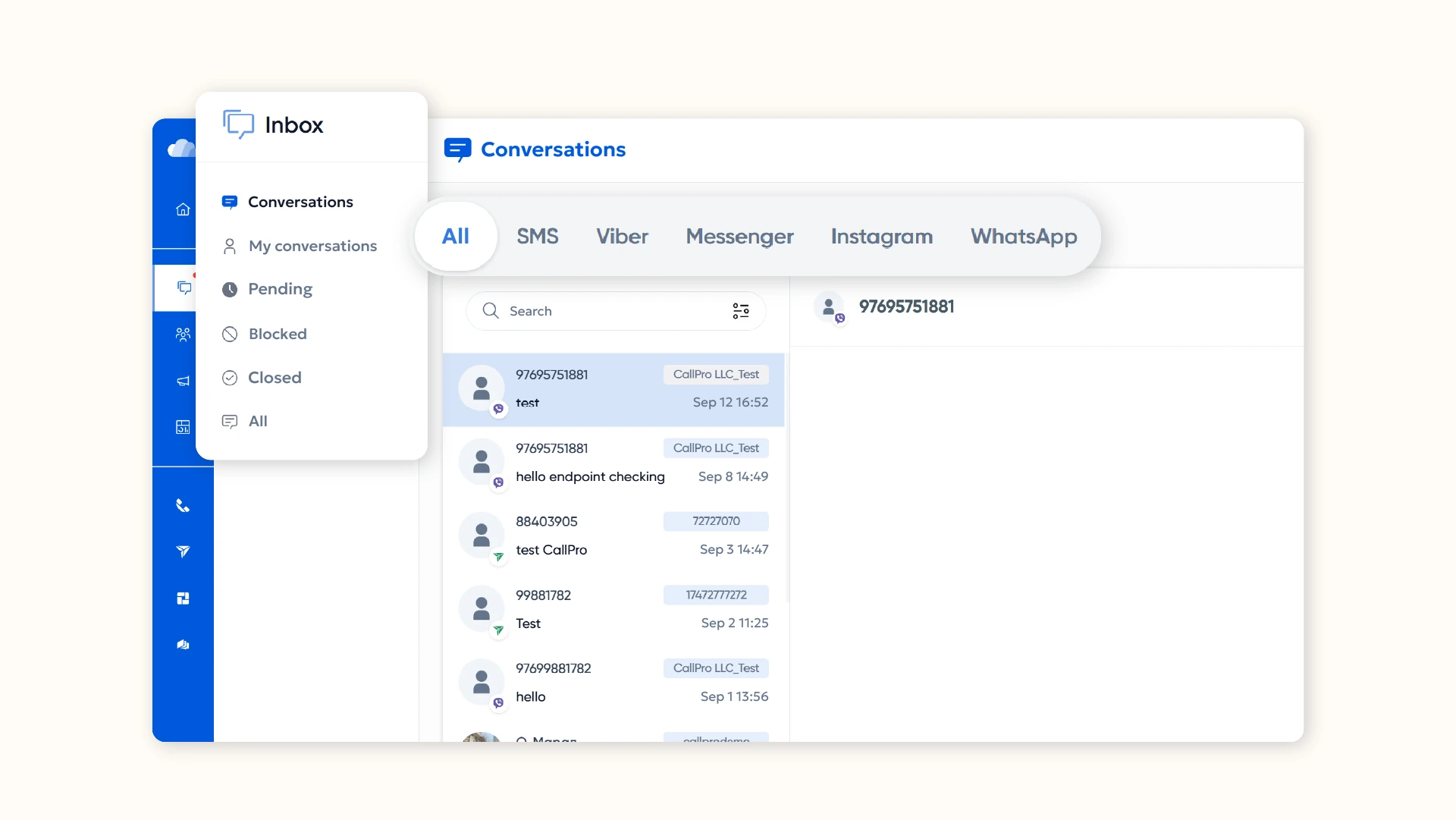
Every business has a social media presence. And it's your customers, not you, who choose which channel to contact you on. That's why we've placed the Inbox menu at the top, making it easier to reply all at once to questions coming in from multiple channels, including SMS, Facebook, Instagram, WhatsApp, and Viber.
Here you can engage with customers across all your business's social accounts at the same time. No need to open multiple apps and check each message separately. See all your customers in one menu and reply to their questions with ease.
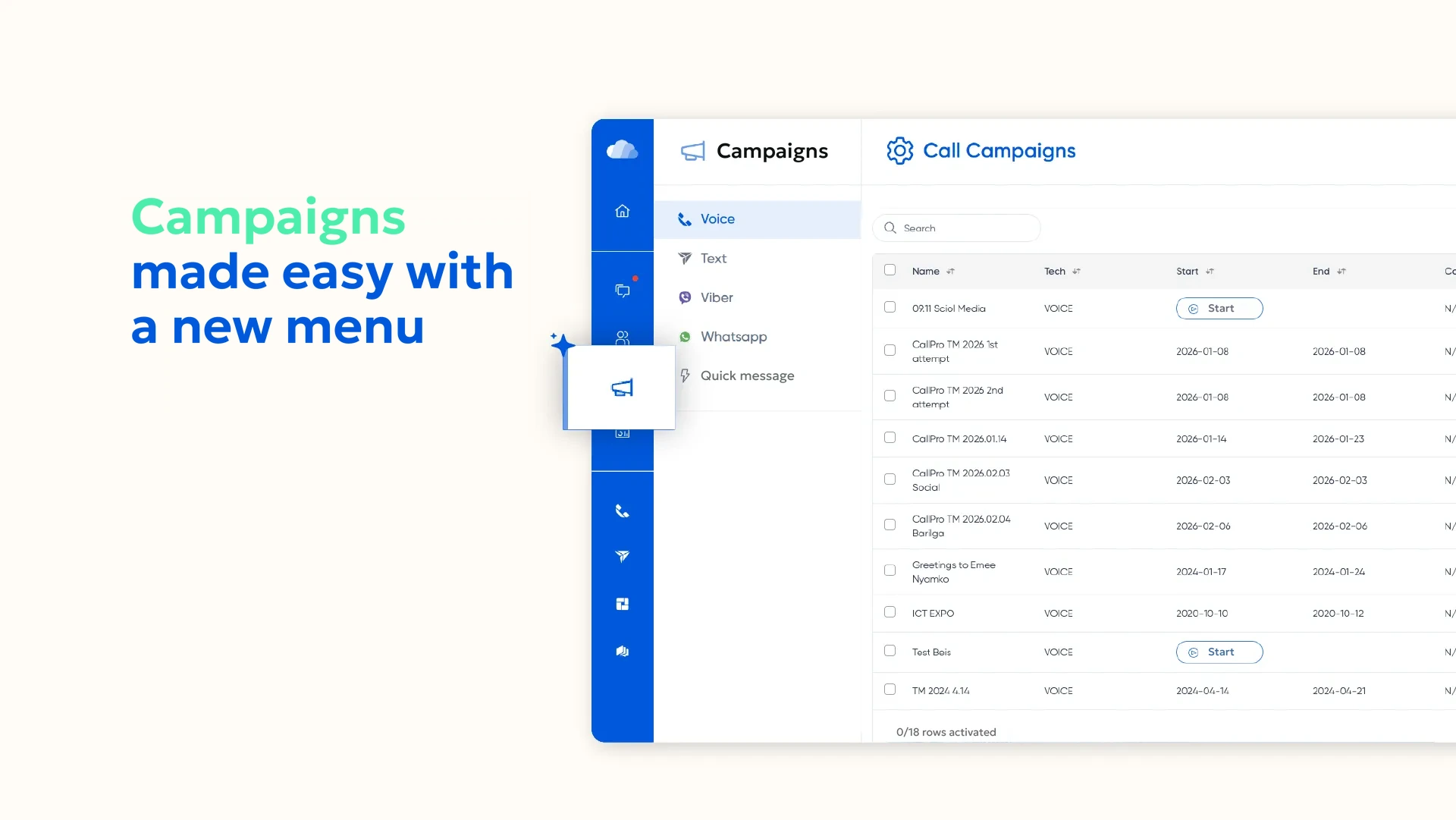
The CAMPAIGNS menu for running your campaigns
We've added a new Orders menu to better organize bulk Viber and WhatsApp messages, quick and bulk SMS, and telemarketing. Now businesses can plan and manage everything from messaging to outbound call campaigns to multiple customers in one place, and tracking each campaign's progress and results is easier too. In other words, instead of managing mass customer communications separately, you can monitor everything from a single menu.
One menu for all REPORTS
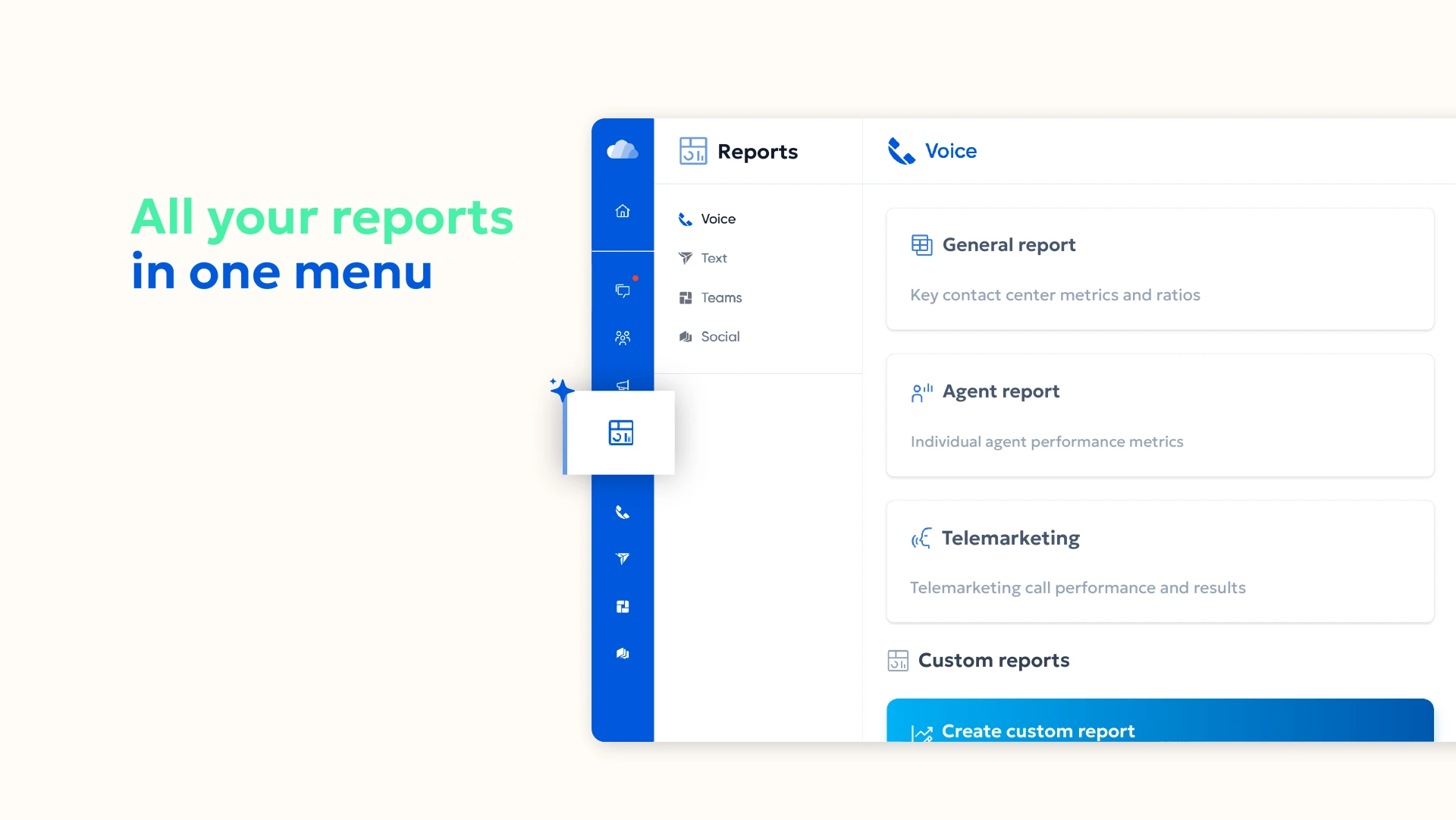
All reports for CallPro Voice, Text, Teams, and Social are now centralized in one place. Previously you had to log in to each service and check its reports separately; now you can view every report from a single menu. This lets you monitor reports across all services in one place and find the information you need faster.
No more jumping between menus. Open one menu and see all your reports.
Where is the SETTINGS menu?
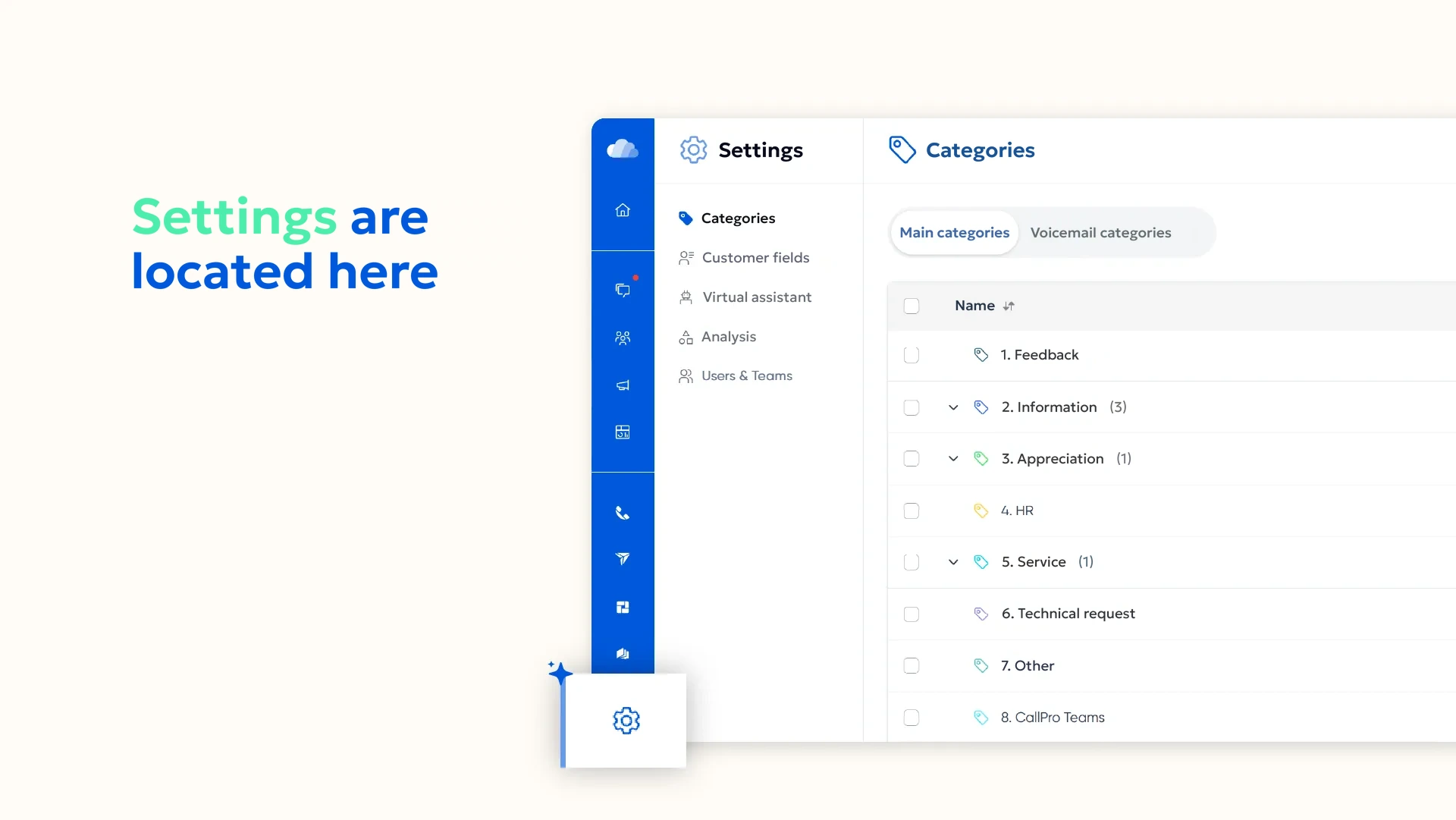
The Settings menu is at the very bottom. 😊
Who is Arya?
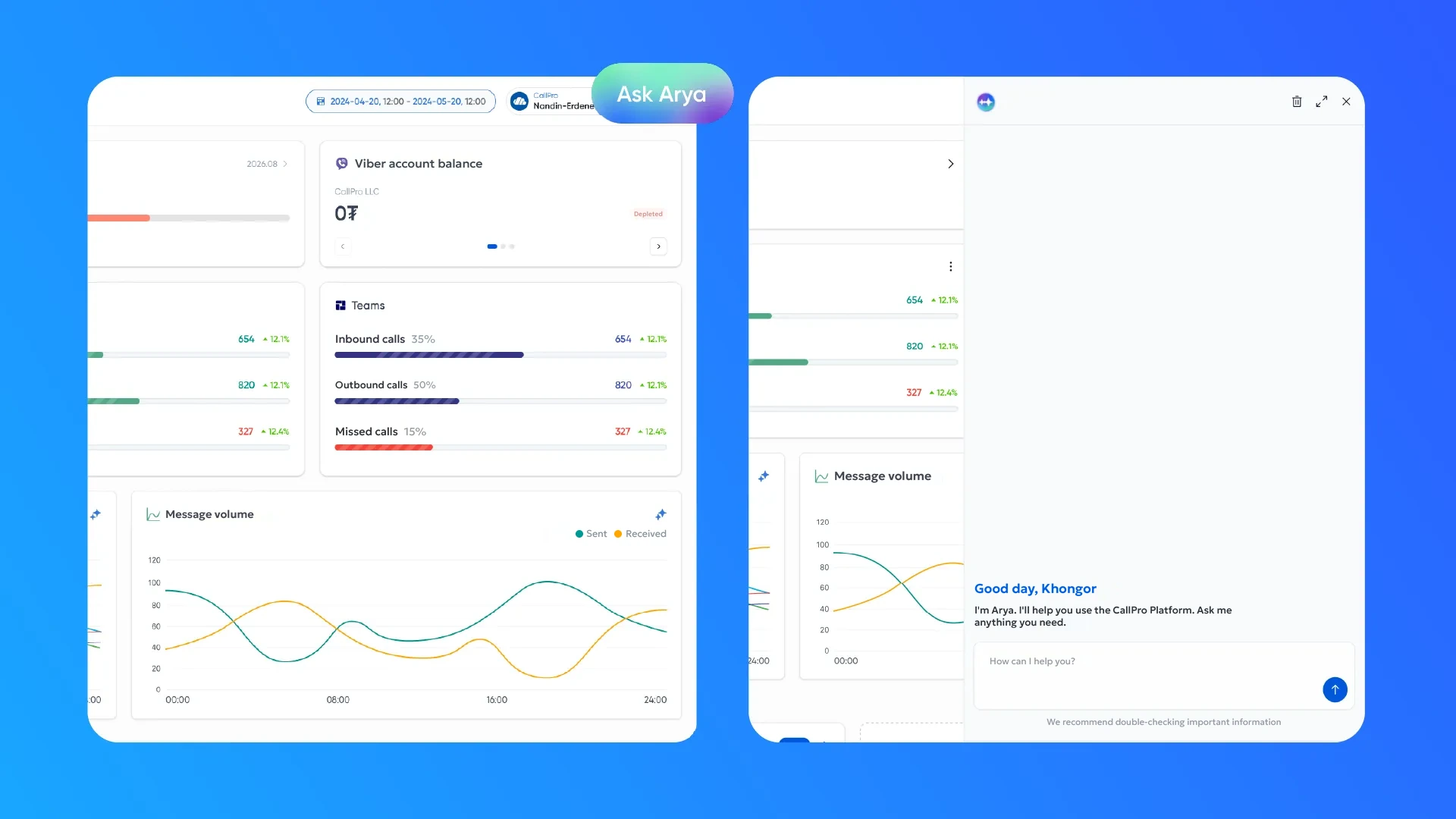
This is the Platform Assistant, the AI Assistant built into CallPro Platform. Besides explaining the system's structure, settings, reports, and key metrics in simple terms, it analyzes your organization's data and quickly delivers the information you need.
Arya can generate the charts and reports you want and walk you step by step through which action to take in which part of the system.
This means staff can simply ask for the information they need instead of wasting time searching through menus and reports.
For more details, leave your information below or call 72727070 for advice and information.